

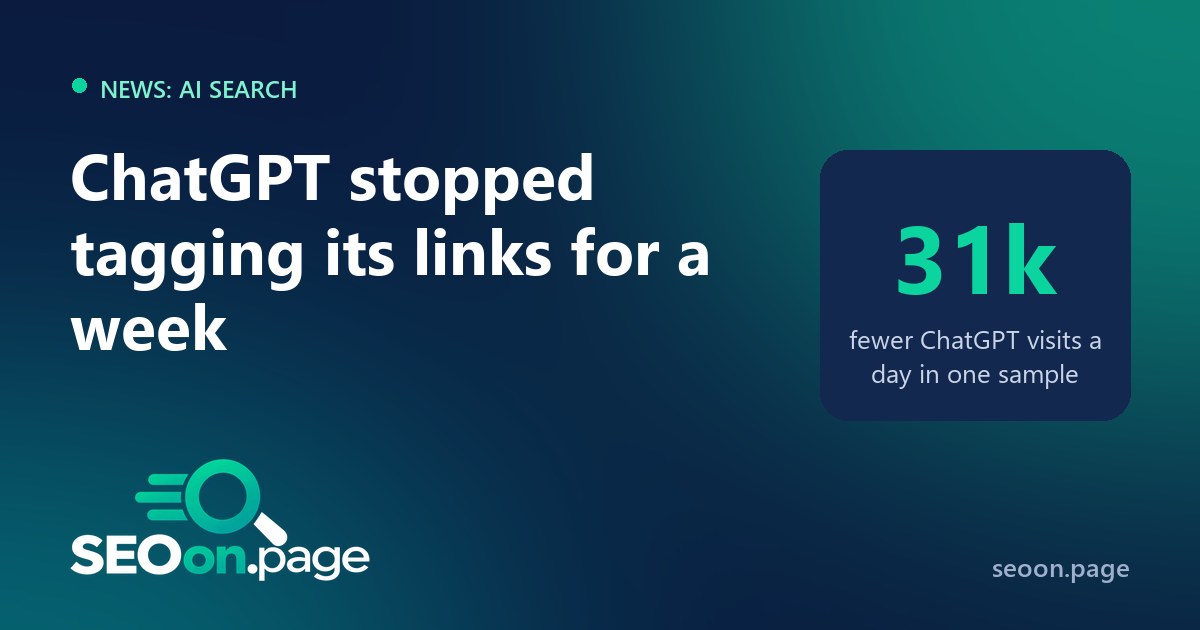
For a few days in October 2026, a lot of websites seemed to lose their ChatGPT traffic. They had not. ChatGPT had stopped tagging the links it sends people to, and the visits were landing in analytics as Direct traffic. The problem was fixed within about a week, but it was a useful stress test: if a single missing tag can make an entire channel disappear from your reports, your AI measurement is more fragile than you think.
What happened
- The tag disappeared. ChatGPT normally adds
utm_source=chatgpt.comto the links in its answers, which is how most analytics tools recognize the visit. Around the release of GPT-6, in early October, the tag stopped appearing. - The referrer disappeared too. Cedric Huesler of Adobe found that links were being opened with
noopener,noreferrer, so the browser did not tell the destination site where the visitor came from. With no tag and no referrer, analytics has nothing to go on, and the visit is classified as Direct. - The numbers moved. In a sample of about 500 pages where ChatGPT normally drives more than 5% of visits, Huesler measured that ChatGPT visits fell by about 31,000 a day between October 9 and 13, while Direct visits to the same pages rose by about 26,000 a day. Search traffic to those pages moved in line with the rest of the web.
- It was a bug. On October 15, Huesler reported that ChatGPT was tagging its links again and described the change as a bug. OpenAI has not commented publicly. Search Engine Roundtable covered the story on October 14.
Sébastien Billard, who flagged the drop on X, also noticed something in his server logs: fewer visits from the ChatGPT-User agent and more from OAI-SearchBot starting around October 7. That detail matters, because server logs were one of the few places where the ChatGPT activity was still visible.
Why this matters more than a one-week glitch
AI assistants are now a real referral channel, and they are also the channel you control least. Each assistant decides how it opens links, whether it passes a referrer, and whether it adds a tag. Any of that can change with a new model or a new app version, without notice. If your reports depend on one signal, a product decision at OpenAI, Google or Anthropic can rewrite your traffic history overnight, and you may make budget or content decisions on numbers that are simply wrong.
How to measure AI referral traffic reliably
1. Create an AI channel that uses several signals. In GA4, add a custom channel group with an “AI assistants” channel placed above Referral, matching the source against the main assistants. A regular expression like this one covers tagged and referred visits:
^(chatgpt\.com|chat\.openai\.com|perplexity\.ai|gemini\.google\.com|copilot\.microsoft\.com|claude\.ai)$Check the list a few times a year: assistants change domains, and new ones appear.
2. Watch Direct traffic on AI-friendly pages. AI assistants send visitors to a predictable set of pages: guides, definitions, comparisons, tools. Keep a saved report of Direct sessions to those landing pages. A sudden rise in Direct traffic on exactly the pages that normally get AI visits, at the same time as an AI drop, is a strong sign of a tracking problem, not a real change in behavior.
3. Keep your server logs. Analytics only sees what the browser reports. Your server sees every request, including the agents AI products use when they fetch your pages for a user, such as ChatGPT-User, OAI-SearchBot, PerplexityBot or Claude-User. Logs will not tell you about each human click, but they show whether AI products are still reading your content, which is exactly what you need to know when the referral numbers look strange. Our AI Bot Checker shows which of these agents your robots.txt allows.
4. Tag the links you control. You cannot tag the links ChatGPT writes, but you can tag the ones you place yourself: links in custom GPTs, in llms.txt files, in AI-facing documentation, in newsletters and in social posts. Use a consistent naming scheme with our UTM Builder so those visits are always attributed correctly.
5. Annotate the gap. Add an annotation to your reports for roughly October 7 to 15, 2026. In a year, when someone compares October with October, they will see an AI dip and a Direct spike that are not real.
6. Report AI traffic as a range. Between missing referrers, privacy settings and in-app browsers, part of AI-driven traffic always lands in Direct. It is more honest to report “tracked AI referrals plus an estimate from Direct traffic on AI landing pages” than a single number that looks precise and is not.
The bigger picture
This is not the only measurement gap in AI search. Google still does not report clicks from AI Overviews or AI Mode separately in Search Console, and rank trackers are struggling with poisoned Google results. The common lesson is the same: in 2026, no single tool shows you the full picture of how people find you, so build your reporting on several sources that can check each other.
Frequently asked questions
Frequently asked questions
Did ChatGPT stop sending traffic to websites?
No. In October 2026, ChatGPT briefly stopped adding its utm_source tag and opened links without a referrer, so analytics classified the visits as Direct. The visits still happened, and the tag returned around October 15.
How does GA4 know a visit came from ChatGPT?
Through the utm_source=chatgpt.com tag that ChatGPT adds to links, or through the referrer the browser sends. If both are missing, GA4 cannot tell and the visit counts as Direct.
Can I see AI traffic without analytics?
Partly. Server logs show requests from AI agents such as ChatGPT-User or Perplexity-User, which fetch pages on behalf of users. They show that AI products are using your content, but not every human click.
Should I create a separate AI channel in GA4?
Yes. A custom channel group with an AI assistants channel, placed above Referral, keeps AI visits from being mixed with ordinary referrals and makes changes like this one easier to spot.