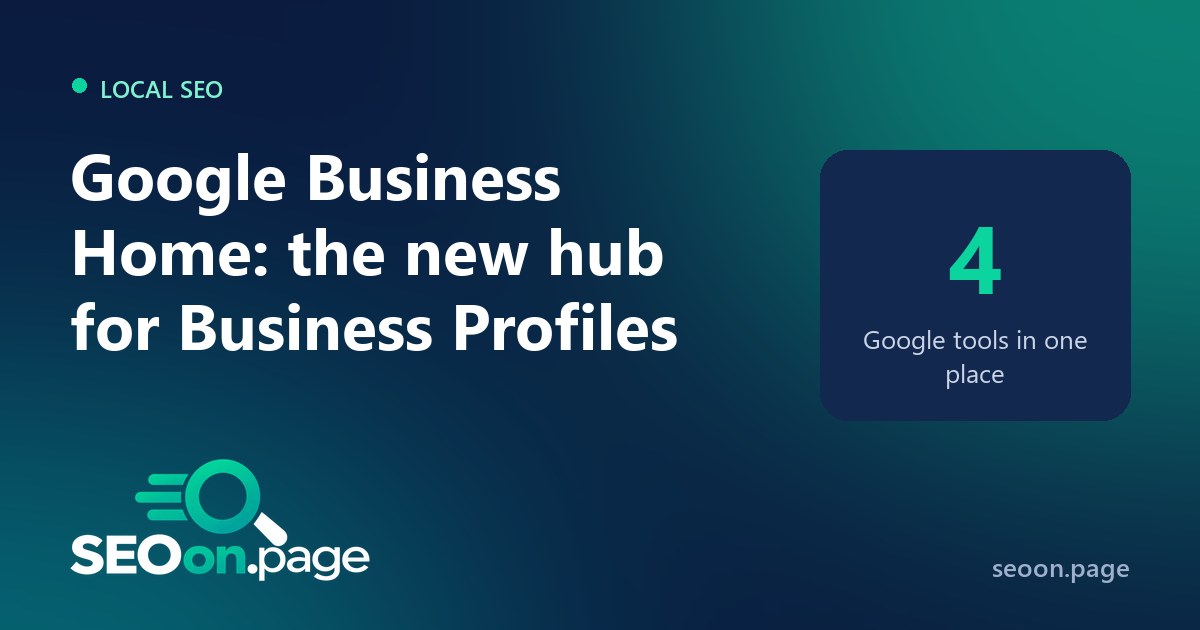
Local businesses have had a busy October. Google started a beta of Google Business Home, a new place to manage a Business Profile together with other Google tools, and at the same time it began testing new reports and changing what profiles show. Here is a summary of the four changes and what to do about each.
1. Google Business Home (beta)
Google describes Business Home as a growth partner built with Gemini models. It brings the Business Profile, Merchant Center, YouTube and Ads accounts together in one place. Search Engine Roundtable reported it on October 22, 2026, after receiving access.
- What it includes: creating, publishing and tracking content in one place, managing multiple locations and personalized advice for business goals. Screens include a home overview, Creative Lab, posts, reviews, performance reports, locations, a brand kit and connected tools.
- What is coming: Google plans cross-service insights and next steps, for example spotting a real-time surge in demand and helping publish a seasonal offer.
- Who can use it: it is a closed beta for selected business categories in the US and the UK, rolling out slowly over the past couple of months.
It is a return to a separate portal. Google moved Business Profile management into Search results a few years ago; Business Home brings back a dedicated dashboard, now with AI.
2. New performance reports (test)
Google is also testing a redesigned performance section in Business Profiles, with engagement, reviews, search trends and audience metrics, top recommendations and a more detailed reviews view. It is a test, so not every profile will see it.
3. Automatic Facebook Messenger links
Google is emailing businesses to say it is automatically adding Facebook Messenger m.me links to their Business Profiles. Check your profile: if you do not answer messages on Messenger, a link that leads to an unanswered inbox is a bad experience. Make sure the right contact options are visible.
4. Requests for an EIN and a privacy policy
When updating some parts of their profile, certain US businesses are being asked for their Employer Identification Number (EIN) and a link to their privacy policy. It looks like an extra verification step. Have both ready, and make sure your website has a clear, accessible privacy policy page.
What to do now
- Review your profile. Check contact links, categories, hours and photos, especially if Google added links automatically.
- Watch your numbers. Profile impressions have changed in some markets; read about the drop in Business Profile impressions in Europe.
- Connect your website. Make sure the site linked from your profile is fast and indexable, and that its title and description look good in results. Preview them with our SERP Snippet Preview.
- Ask for access if you qualify. US and UK businesses in eligible categories can request access to the Business Home beta from Google’s sign-up page.
Frequently asked questions
Frequently asked questions
What is Google Business Home?
A beta hub, built with Gemini models, that brings together a business’s Business Profile, Merchant Center, YouTube and Ads accounts, with content tools, multi-location management and personalized advice.
Who can use Google Business Home?
For now, selected business categories in the United States and the United Kingdom, in a closed beta.
Why did a Messenger link appear on my Business Profile?
Google is automatically adding Facebook Messenger m.me links to some profiles and notifying businesses by email. Review it and keep only contact options you actually answer.
Why is Google asking for my EIN?
Some US businesses are asked for their Employer Identification Number and a privacy policy link when updating parts of their profile, apparently as an extra verification step.